

Restaurant platform
Your restaurant, no middlemen.
DishDuck runs your whole restaurant: the menu on the guest’s phone, dining-room orders, the kitchen, the register and delivery, each with its own app. And it’s all yours: no commission on orders.
In development
Coming soon to the App Store and Google Play
Available on:
- iOS
- Android
- Smartphones
- Tablets
An app for every person on the team.
Orders from the floor to the kitchen and the register.
Keeps working when the internet fails.
The challenge
Your restaurant deserves a system, not a middleman.
A commission on every order
Ordering platforms keep a share of every sale, and the guests end up being theirs.
PDF menus
Guests have to pinch and zoom, they look bad on a phone, and they’re rarely up to date.
A system for everything
One program for the register, another for the kitchen, another for delivery: each one costs money, and none of them talk to each other.
DishDuck brings the whole restaurant into one system, with no commission.
How it works
The journey of an order, start to finish.

The guest reads the menu
They scan the QR code with DishDuck Customers and the menu opens, no account needed.

The waiter takes the order
With Service, the table’s order goes straight to the kitchen.

The kitchen prepares it
Kitchen shows the orders on screen, in the order they arrive.

The register charges it
Register keeps the check for every table and every order.

The driver takes it out
Delivery handles take-away and delivery orders, ready to go.
The apps
One app for each person in the restaurant.
Each app does one job, with its own color so the team can tell them apart at a glance.
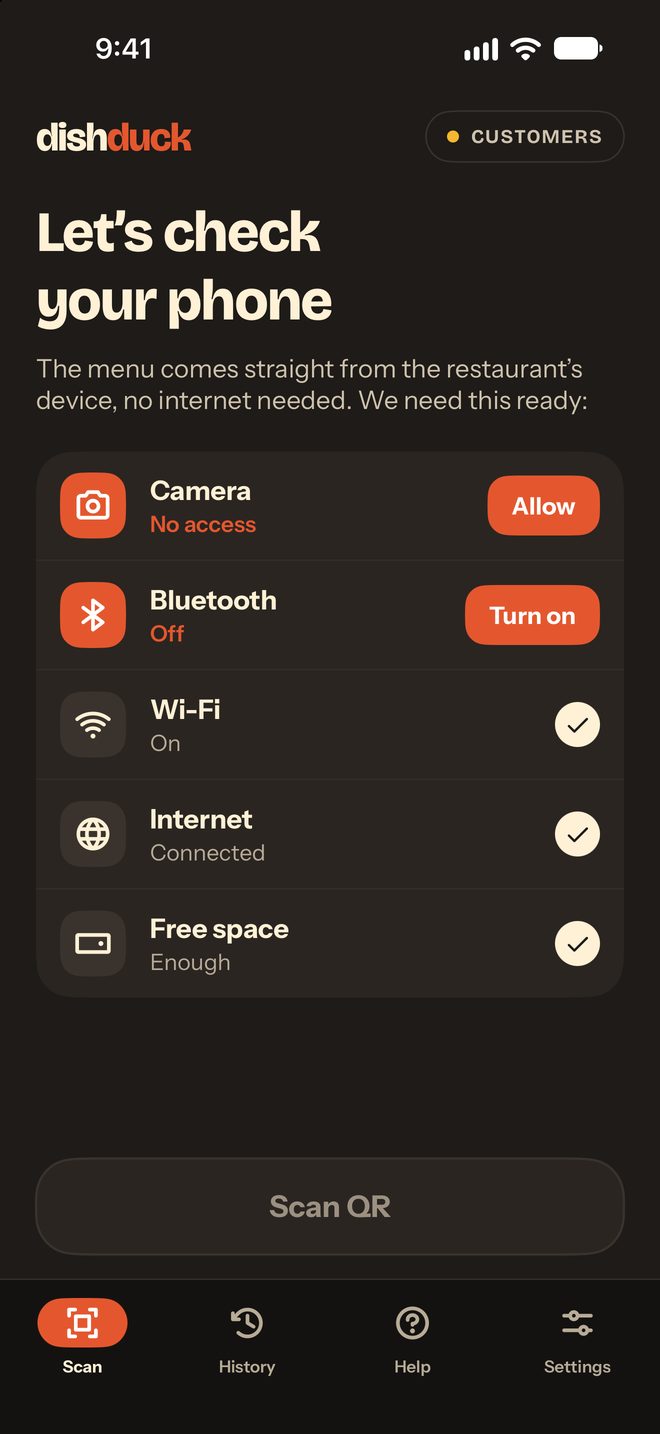
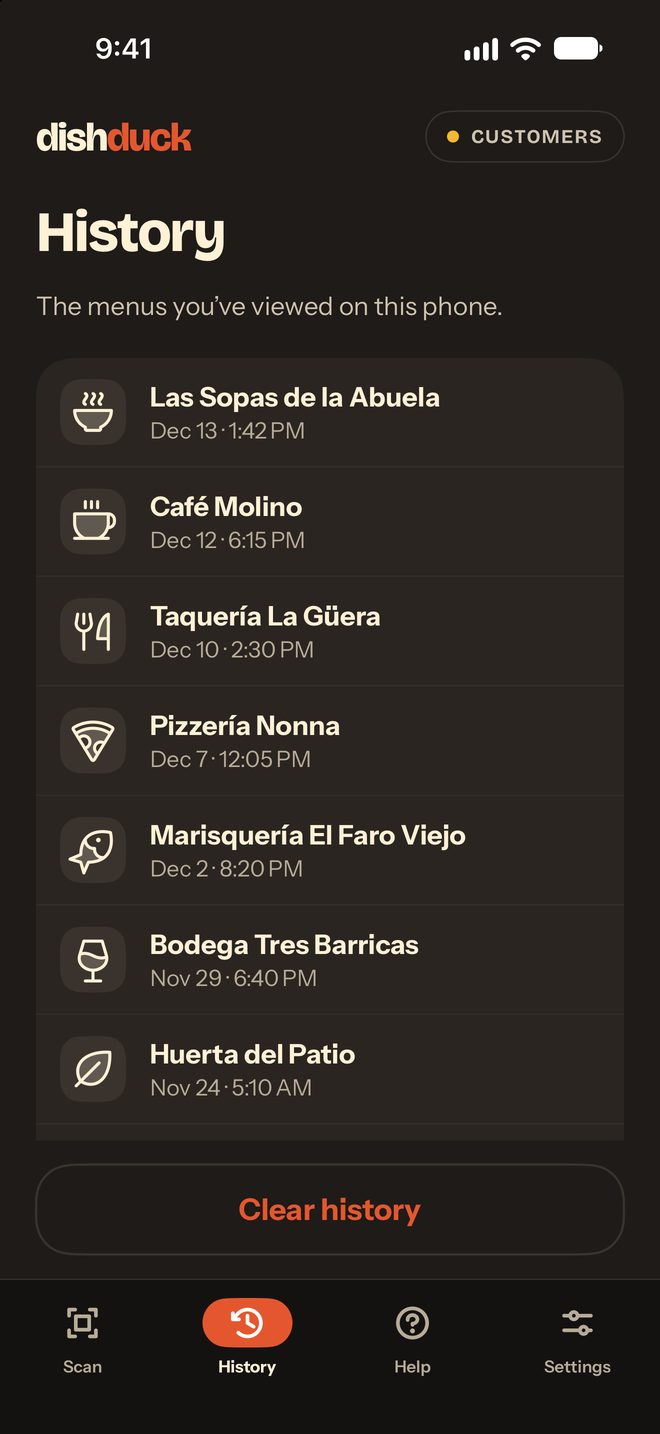
Customers
For guests: the menu by QR code, no account.
Service
For waiters: show the QR code and look after the tables.
Kitchen
For the kitchen: the orders on screen.
Register
For the register: orders and checks.
Delivery
For take-away and delivery orders.

Manager
For whoever runs the restaurant: the staff, the devices and the menus.

Admin
For the owner: a read-only dashboard of the business.

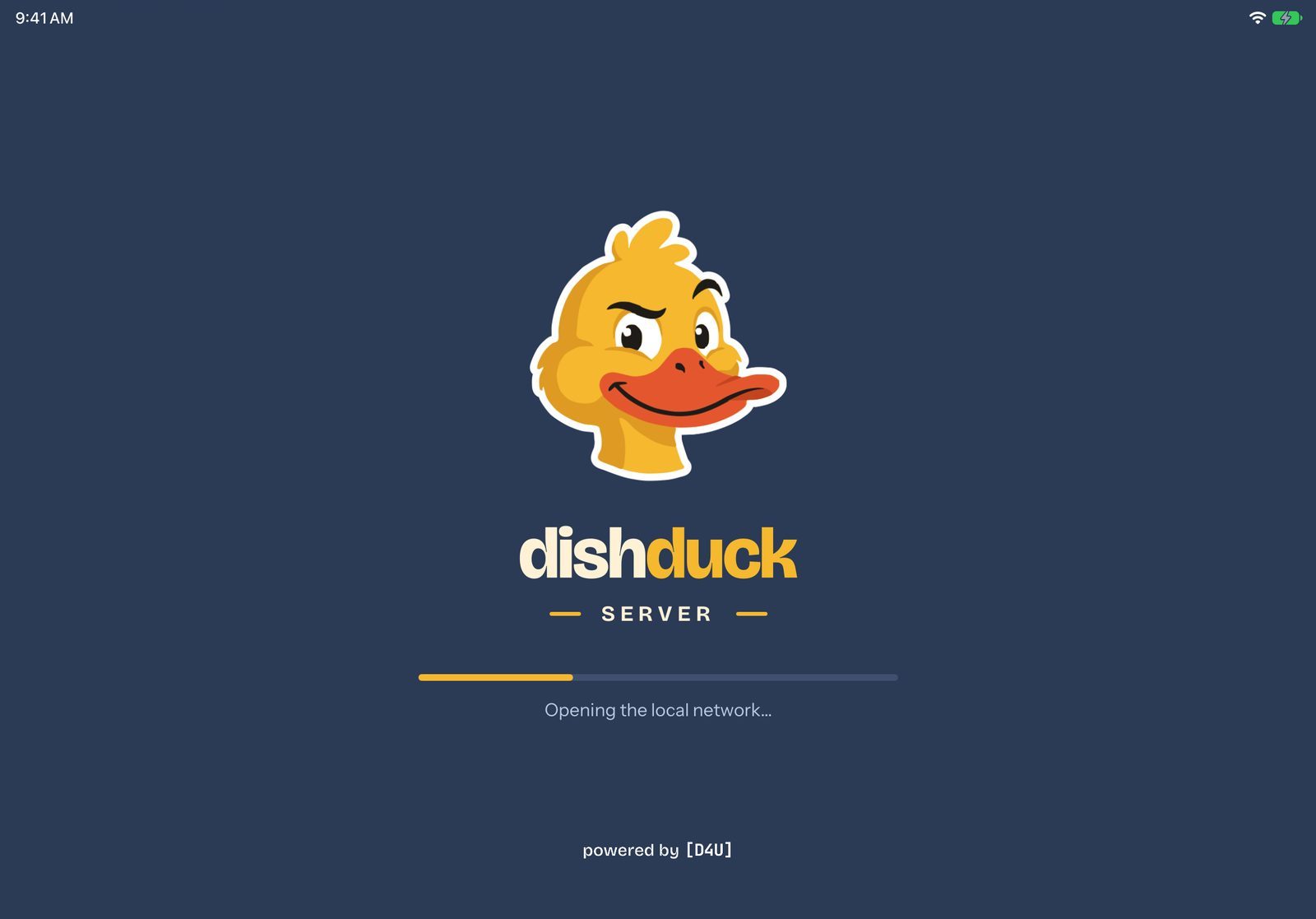
Server
For the venue: stays in the restaurant and keeps it connected.
The plans
Start small, and grow when you’re ready.
To start
Menu
The menu on the guest’s phone.
To grow
ToGo
Adds take-away and delivery orders.
The full service
Dine-In
The complete dining-room service: tables, kitchen and register.
Without internet
The internet fails. The restaurant doesn’t.
DishDuck Server stays in the venue and keeps everything connected over the staff Wi-Fi, so the restaurant doesn’t stop if the internet goes down.
- Orders keep reaching the kitchen
- The register keeps track of orders and checks
- The menu still reaches guests, phone to phone
0%commission per order
No commission
Every sale is yours, in full.
Guests’ payments go straight to the restaurant’s own account. DishDuck doesn’t take a percentage of every sale.
Have a restaurant and want to be one of the first?
Write to us and we’ll let you know as soon as DishDuck is available.